
Installation Lightroom Presets (IOS)
New to the Adobe Lightroom application? Learn how to install the Creative Kits Lightroom presets and how to use the application on IOS devices.
TUTORIAL
5/8/20241 min read
Mobile version
Follow this tutorial to install your presets on your mobile device (iOS).
iOS version
Download the Lightroom app from the Adobe website. It is free for mobile devices but requires a paid subscription for computers.
Sign in / Create an account & leave Lightroom in the background
Open the purchase confirmation email and click on "Download my order"
Click on the name of the purchased collection
Confirm download
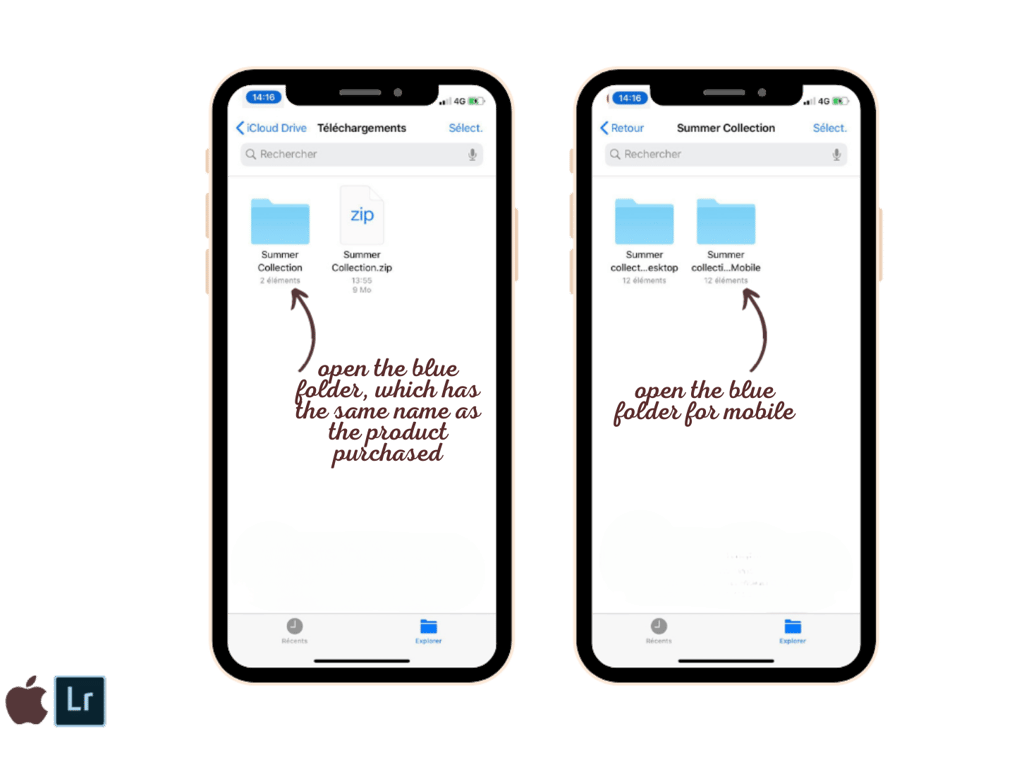
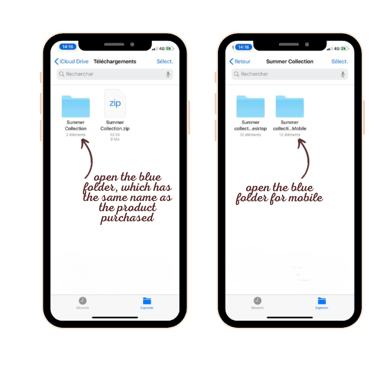
Open downloads and open folder
Open blue collection folder
Choose folder "...mobile"
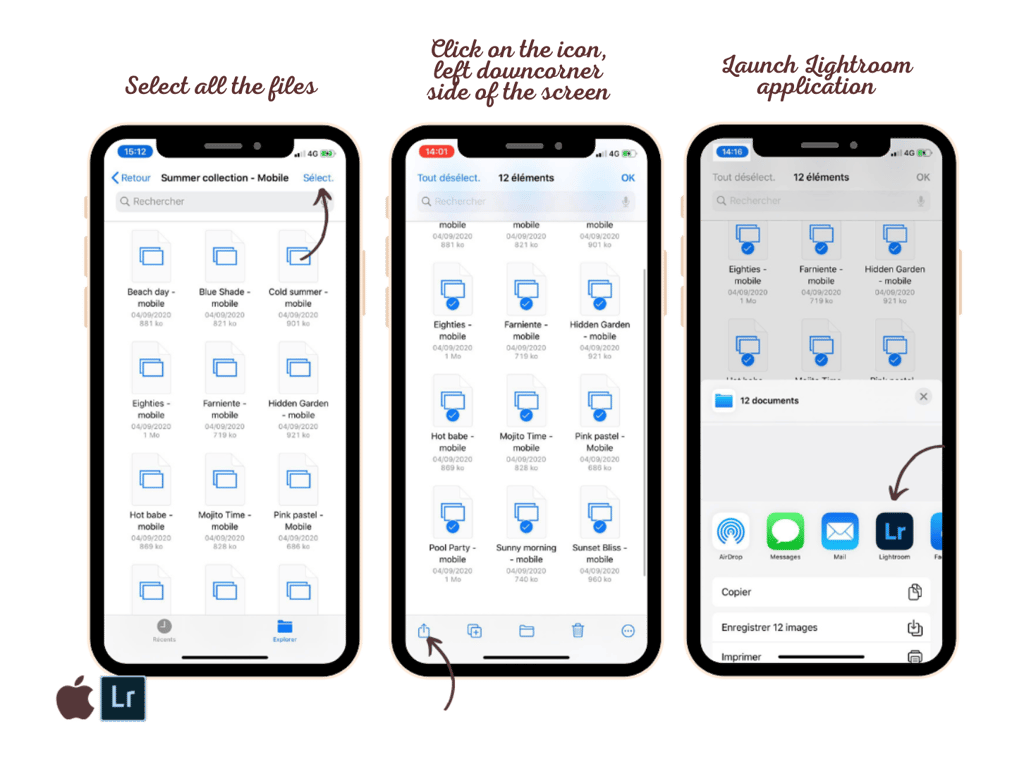
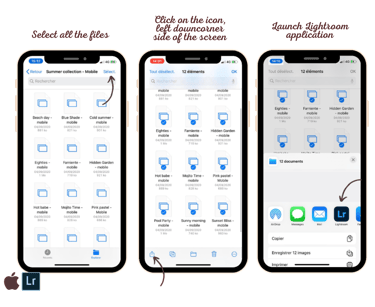
Select all files in collection
Click on the bottom left icon "Share"
Choose the Lightroom application and click on "Launch Lightroom now"
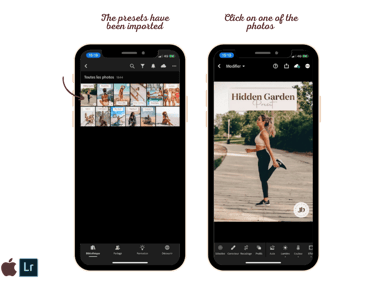
Presets are imported into your Lightroom gallery
Select one of the newly imported photos
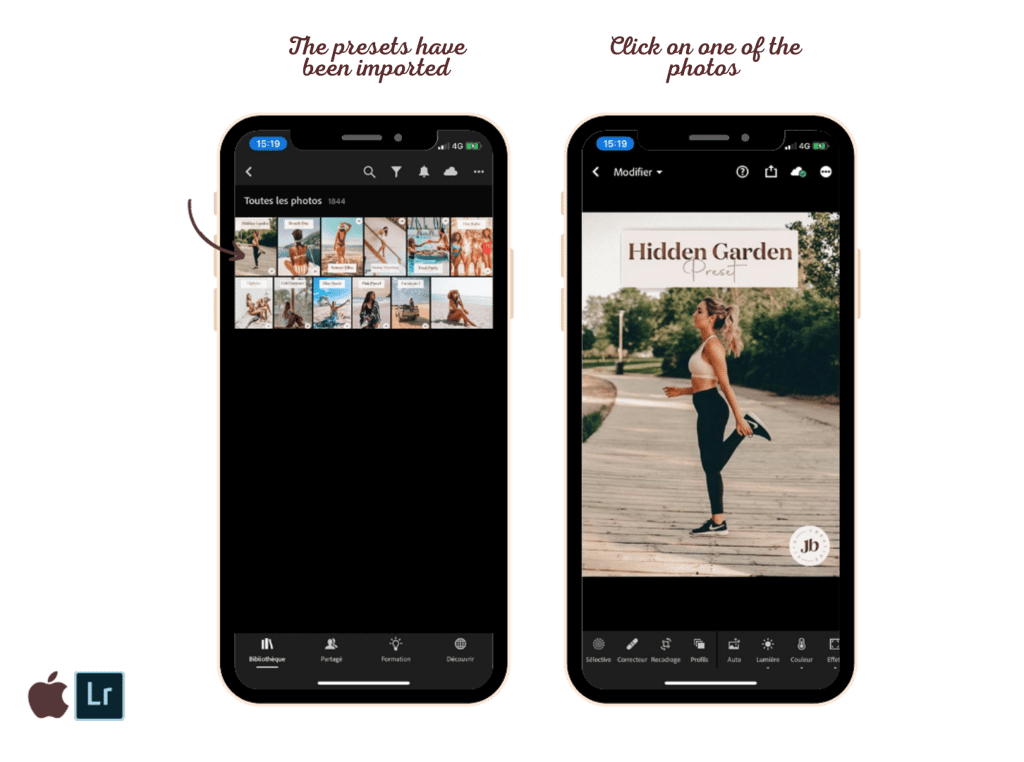
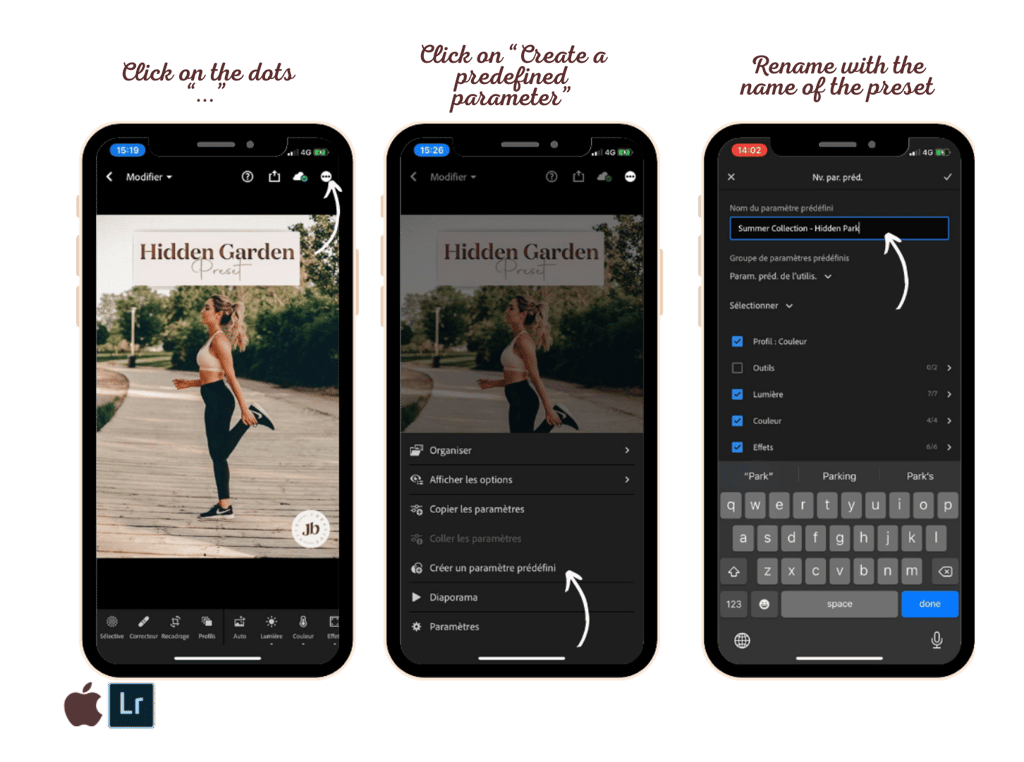
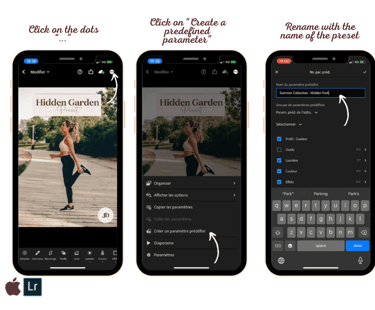
Click on the “...” at the top right to bring up a new menu
Click on "Create a predefined parameter"
Name the preset in “Name of the predefined parameter” and validate
Inspire
Enhance your mobile photos with our creative kits.
CONTACT
Join our #Creaties community
© Creative Kits 2025. All rights reserved.
*Mandatory. By joining us, you agree to our privacy policy. You'll receive exclusive offers and promotional updates. We promise not to spam your inbox. You can unsubscribe at any time. See terms and conditions and privacy policy.